
See who they just followed.
Follow Radar watches an Instagram account's Following list and shows you every account it newly follows, sorted day by day. A friend, your partner, a creator or a competitor: you'll see the new follows as they happen.
Free: 1 account, 1 scan a week. Pro: up to 10 accounts and automatic daily scans.
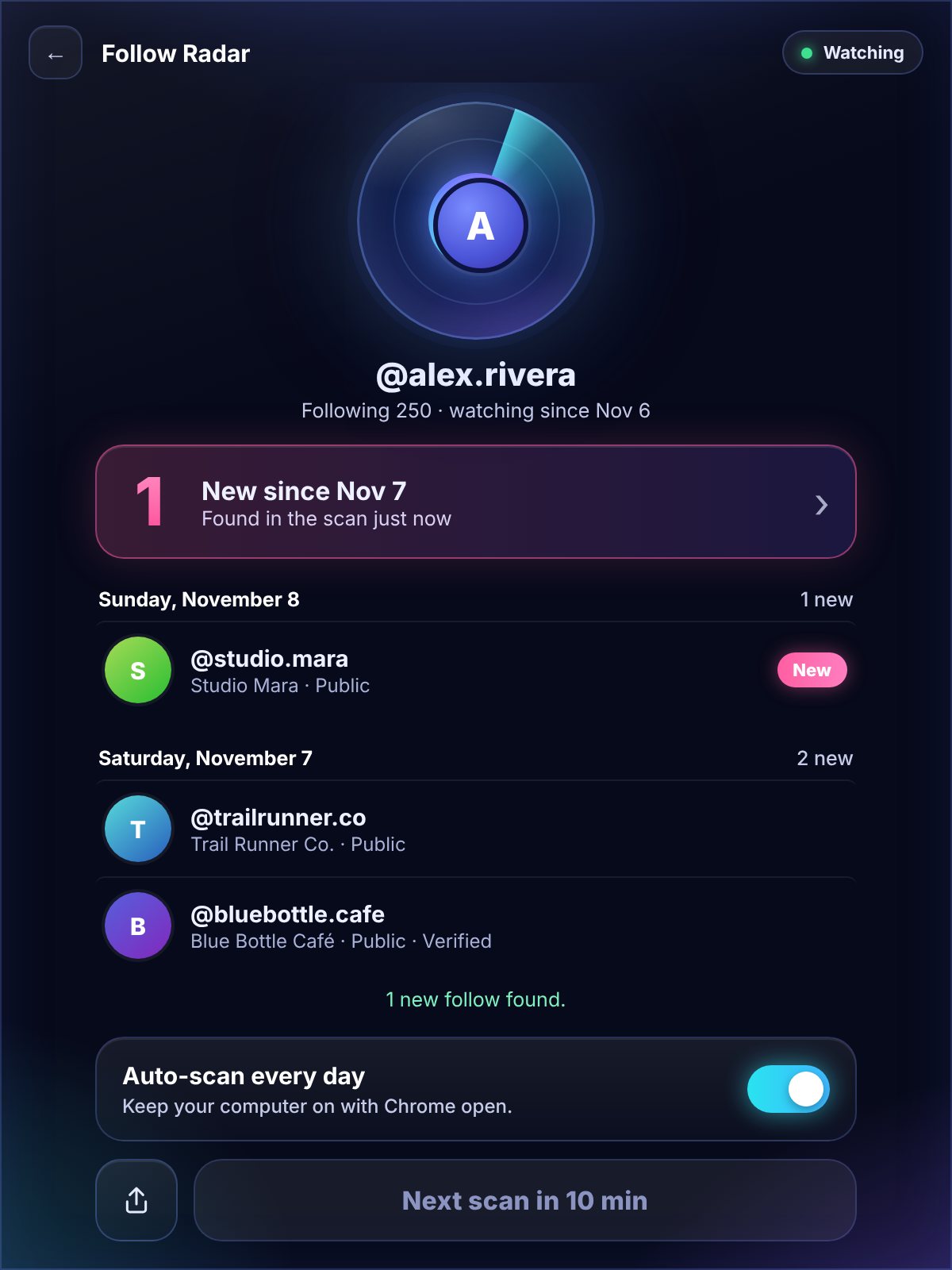
Two scans. Every new follow.
Open Instagram in Chrome, click the FollowerSpotter icon, then open Follow Radar.
Add an account
Type a username. Follow Radar saves who that account follows right now. This is your starting point.
Scan again later
Come back and scan again. Anyone they started following since the last scan shows up, marked NEW.
See it day by day
New follows are grouped by the day they were found, so you can see exactly when things changed.
Start free. Go automatic with Pro.
Free
- Watch 1 account
- 1 scan a week
- New follows grouped by day
- Plus 2 follower scans a week
Pro
- Watch up to 10 accounts
- Scan any time
- Automatic daily scans (your computer on, Chrome open)
- Also unlocks Pro in the TikTok and Facebook extensions
Follow Radar questions.
Follow Radar only reads the Following list that Instagram already shows you on that profile. It doesn't follow, like, message or view stories, so nothing is sent to the account.
Only if you follow it and it has accepted you. Follow Radar can only see what Instagram lets you see.
Instagram doesn't say when someone followed an account. So the first scan saves the list, and later scans compare against it to find the new names.
For accounts that follow a lot of people, Instagram only shows other people part of the list, so a few new follows may not appear. It works best on personal accounts.
No. It's a Chrome extension, so it runs in Google Chrome on a computer. Pro's automatic scans run while your computer is on and Chrome is open.
The saved lists and new follows stay in your browser. We never receive the usernames you watch or who they followed. See Privacy & security.
See who they just followed.
Free in FollowerSpotter for Instagram. No password, no account.